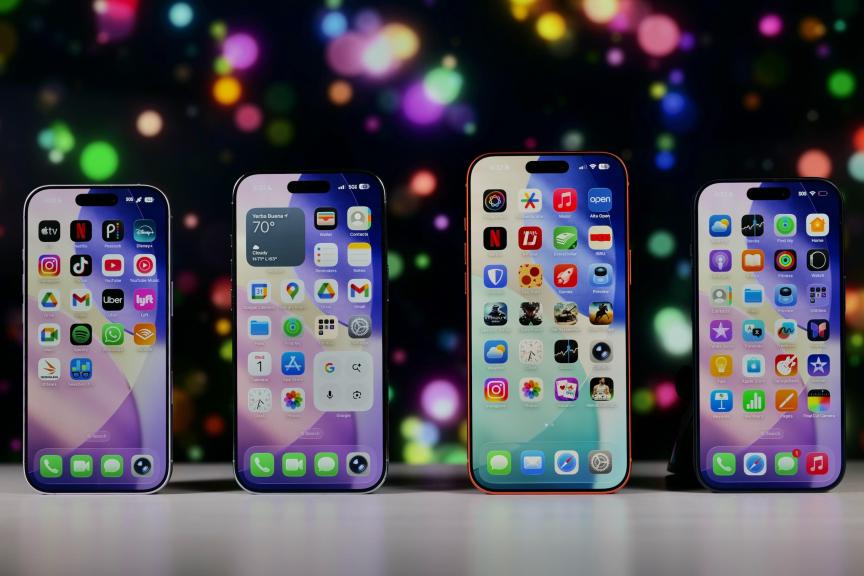
Apple announced iOS 27 and more at its 2026 Worldwide Developers Conference in June. The upcoming iPhone operating system will introduce Siri AI and a handful of other features to compatible devices this fall. But before that, now is a good time to check out all the features iOS 26 and its updates brought to your device over the past year.
Apple released that update in September 2025, and it introduced call screening and other features to your device. The update also gave your iPhone Liquid Glass, the first major design shift on the device since Apple released iOS 7 in 2013.


Since the release of iOS 26, Apple released more iOS updates, which include more features, changes and improvements to your iPhone. Those updates have also made it easy to change features on your iPhone, including the Liquid Glass design.
We put together this guide to help you navigate and use the latest features in iOS 26. This page will also help you keep track of the subsequent iOS 26 updates.
Get the all-new iPhone 17 Pro on us!
- Trade in your eligible phone in any condition and enjoy up to $1,100 off with an Experience Beyond or Go5G Next plan.
- Don’t miss your chance to upgrade to the ultimate Pro-power, performance, and style, now within reach.

iOS 26 updates
Using iOS 26
Getting started with iOS 26
Check back here for more updates on iOS 26 and how to use the new features in the OS.